Rehab & Construction · Excel
Rehab Scope and Budget Builder
Download an editable rehab scope and budget builder. Price labor, materials and quantities, compare bids and track contingency before requesting repair draws.
When to use this resource
Create a separate line for each trade or work package. Record quantities, labor, materials and the proposal supporting the estimate. Compare the completed budget with the contractor’s agreement before presenting the work to a lender.
What you enter
- Work items, quantities and unit costs
- Contracted or actual amounts
- Contingency percentage
What you get
- Line-item labor and material budget
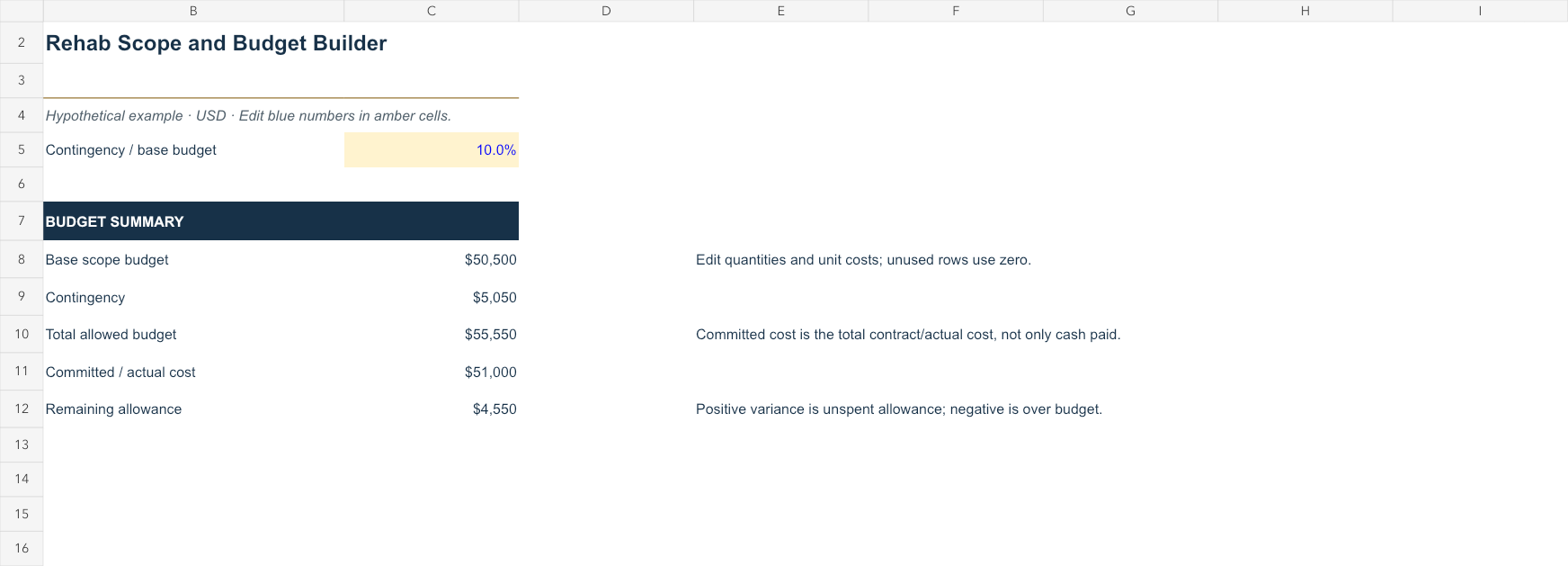
- Total budget with contingency
- Cost variance and remaining contingency
How to use it
- Submit your email to unlock the workbook or tool. Any PDFs below download directly without an email.
- Save a working copy, review the instructions and replace the example with your records.
- Check the results against your lender’s terms and retain a dated copy for the property.
Excel workbooks contain editable inputs and formulas. Example assumptions are illustrative; they are not current market quotes or financing commitments.
What to check before relying on the result
Keep contingency separate from known work. An allowance is an estimate awaiting a defined selection or bid; contingency covers uncertainty beyond the priced scope. Neither should conceal an essential repair that already needs a contractor proposal.