Commercial & Portfolio · Excel
Rent Roll and T-12 Builder
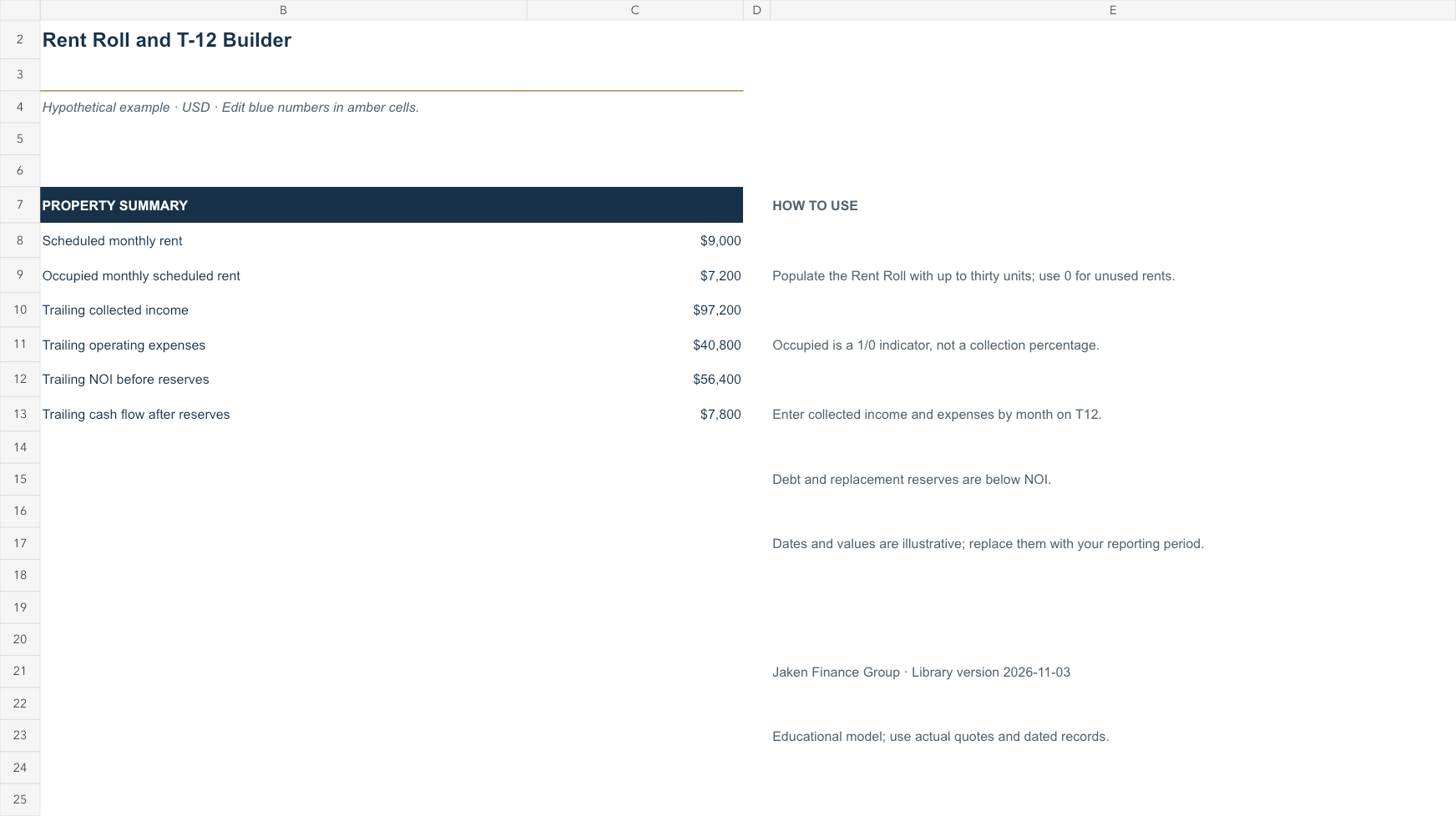
Download a rent roll and T12 Excel builder. Organize up to 30 units and twelve months of operating records with a traceable property NOI summary for review.
When to use this resource
Enter unit-level rent and occupancy separately from monthly collections and expenses. Reconcile the rent roll to executed leases, then reconcile the trailing twelve-month statement to property accounting records. Preserve the period and source for each entry.
What you enter
- Unit identifiers, scheduled rent and occupancy
- Monthly collected income
- Monthly operating expense categories
What you get
- Scheduled and occupied monthly rents
- Trailing twelve-month operating statement
- NOI before debt and replacement reserves
How to use it
- Submit your email to unlock the workbook or tool. Any PDFs below download directly without an email.
- Save a working copy, review the instructions and replace the example with your records.
- Check the results against your lender’s terms and retain a dated copy for the property.
Excel workbooks contain editable inputs and formulas. Example assumptions are illustrative; they are not current market quotes or financing commitments.
What to check before relying on the result
Scheduled rent and collected income answer different questions. Explain concessions, arrears and vacant units rather than forcing the totals to match. Keep debt service outside NOI and identify replacement reserves according to the reviewing lender’s requirements.